![Mx and SD.png]](https://solutions.munetrix.com/hs-fs/hubfs/Mx%20and%20SD.png?height=40&name=Mx%20and%20SD.png)
⏰ Estimated Time: 1 minute
Grades/Credits
- Select a student from the Risk Analysis or Students (student search) dashboards.
- Click Grades/Credits on the left panel.
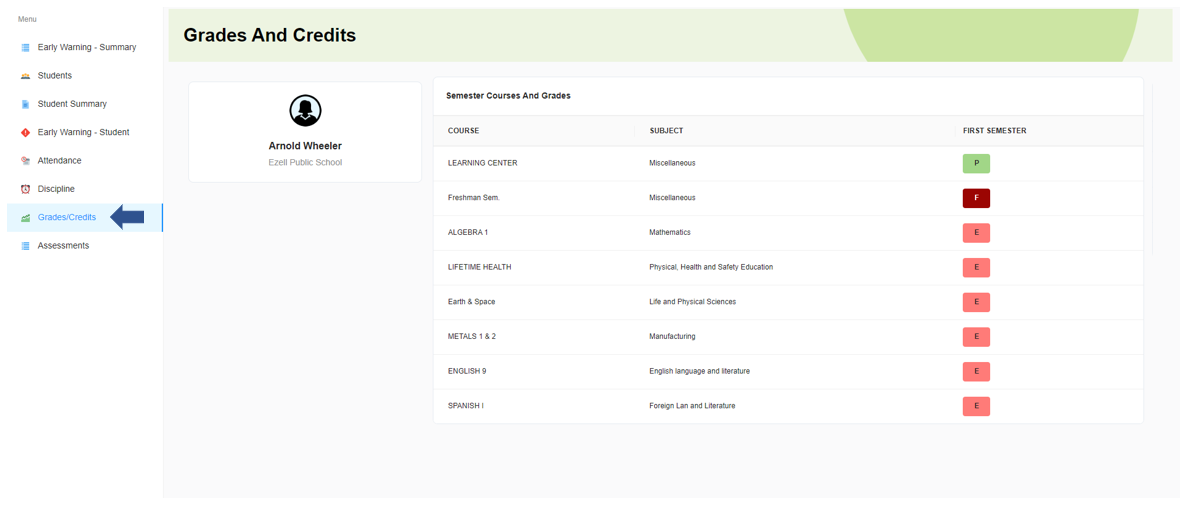
- The dashboard displays the courses the studen is enrolled in and their corresponding grades for the selected grading period.